A scanned report
Words and tables, ready to change.


Scan, photo, PDF or screenshot: turn it into a real document, with text, tables, charts and layout you can change.
A report, a poster or a chart. Bring its content back into your work, as parts you can edit.
Each kind of document gets its own workspace. Your files, tools and people stay connected.
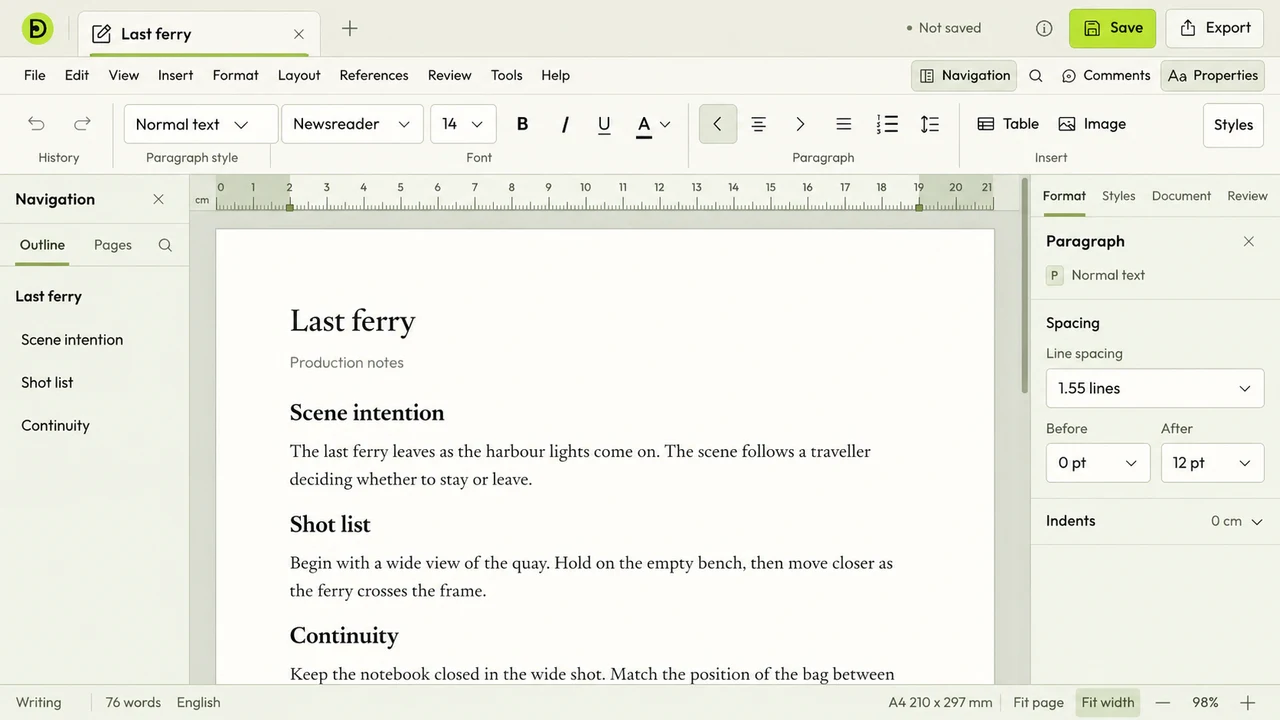
Letters, reports and books. Let the pages flow as you write.
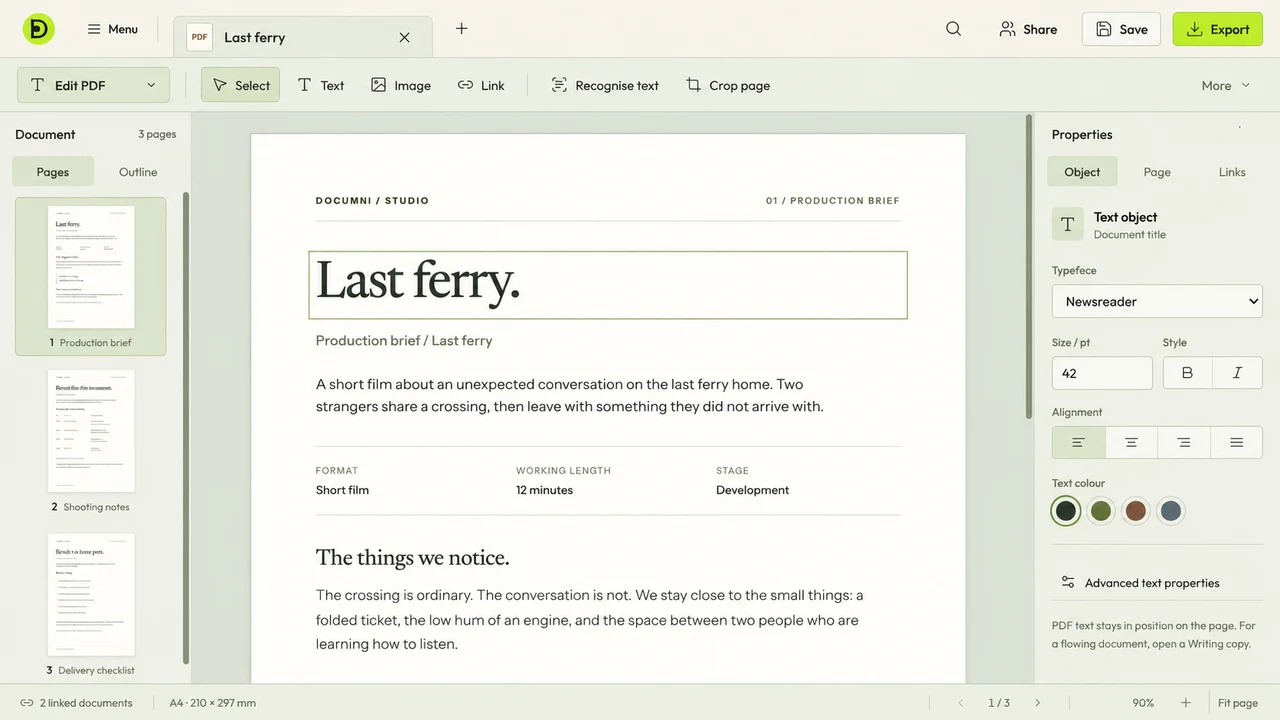
Read, annotate and edit the document in front of you.
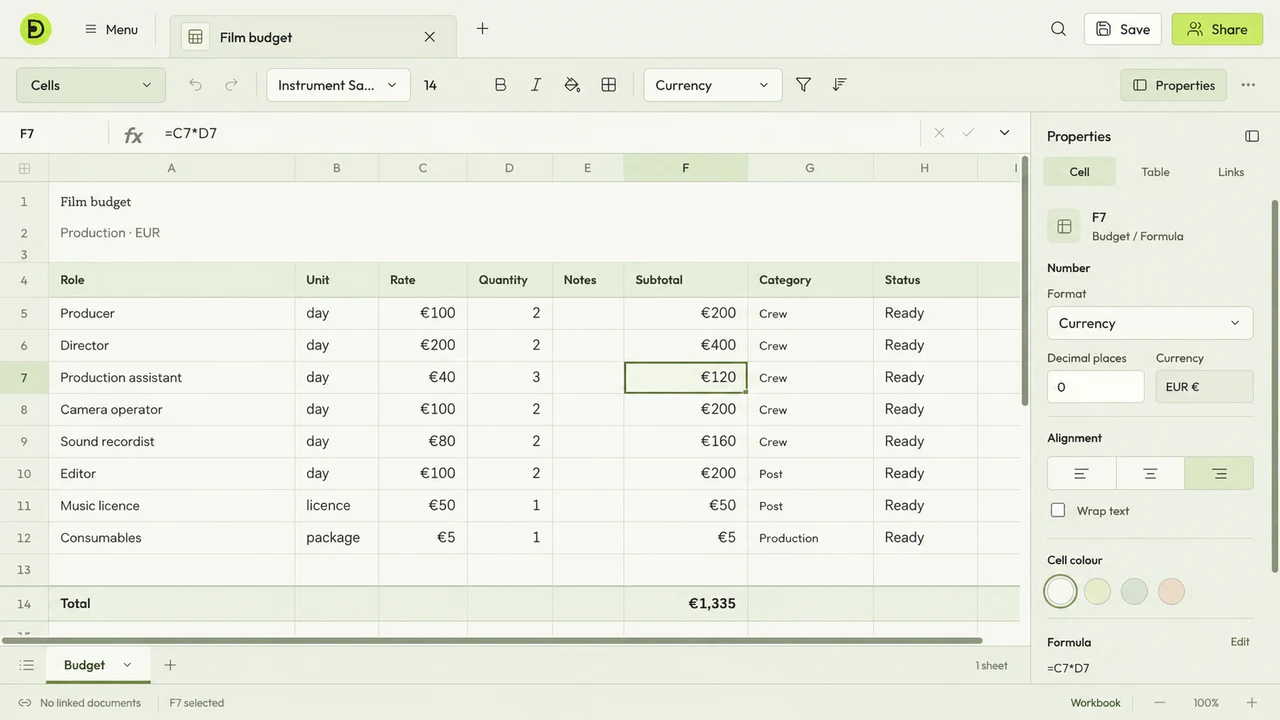
Work with numbers, formulas and tables in a dedicated grid.
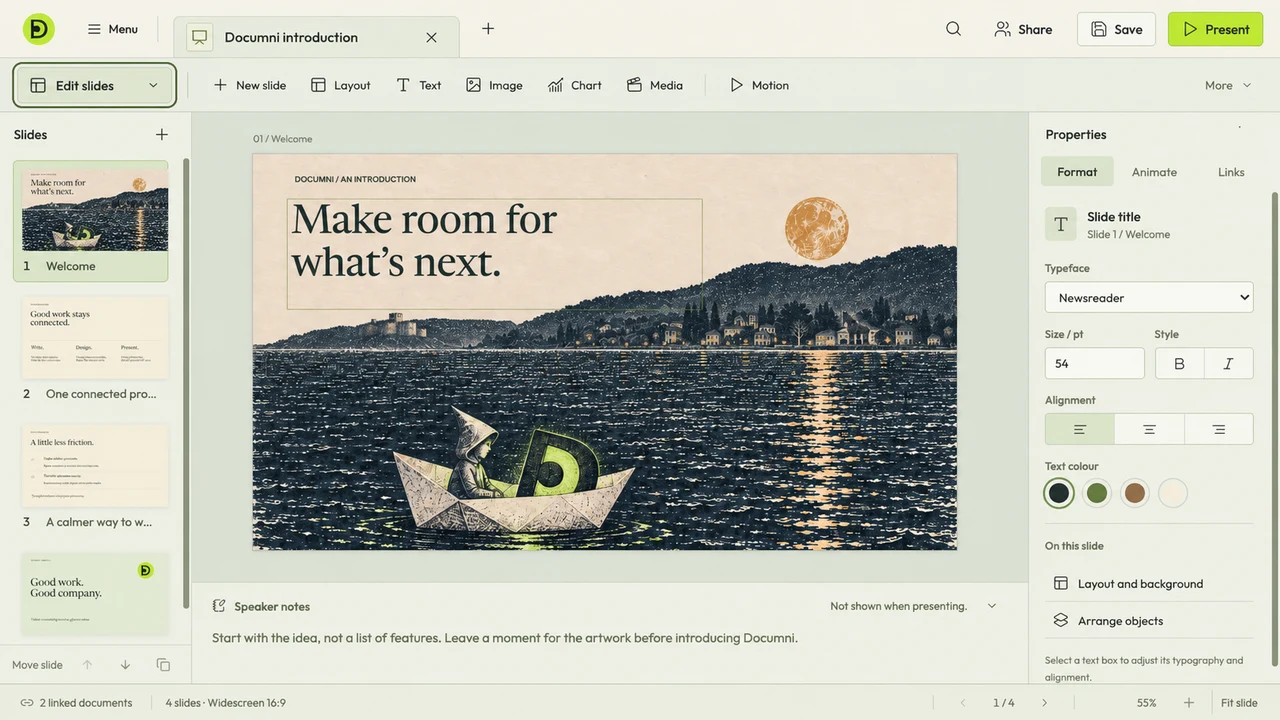
Shape a presentation, with speaker notes beside the canvas.
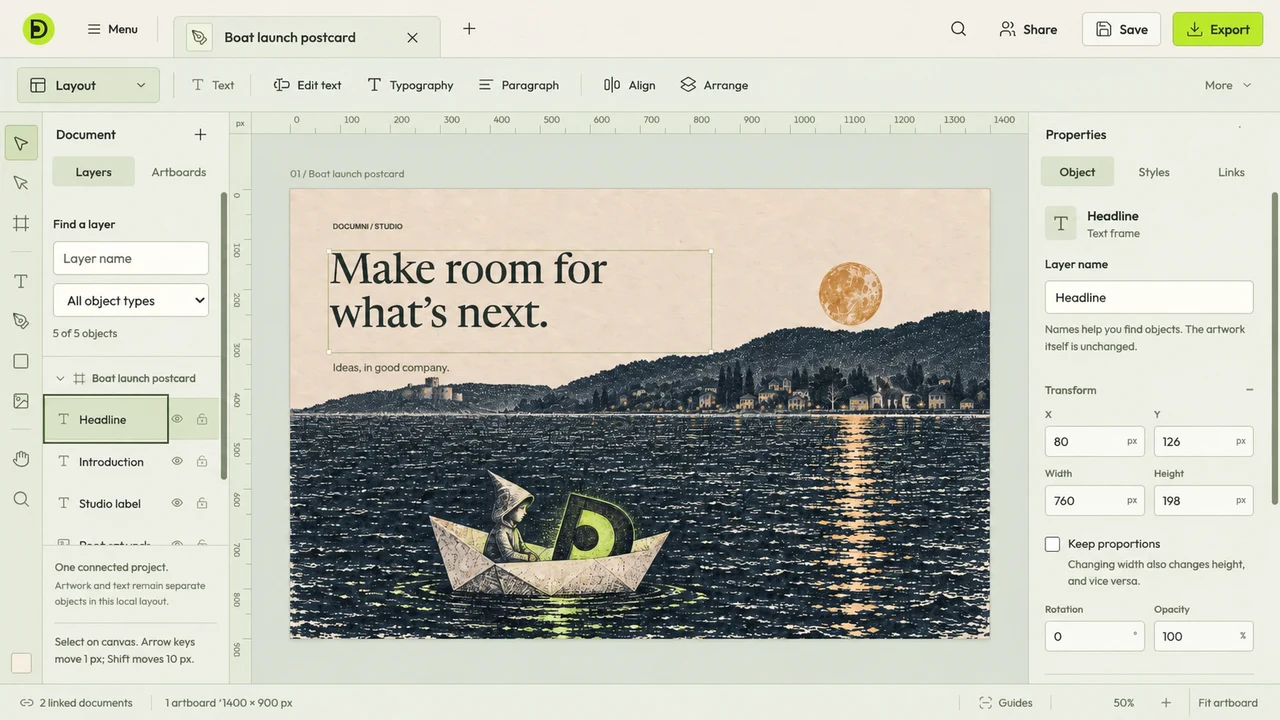
Arrange type, images and graphics, down to the last detail.
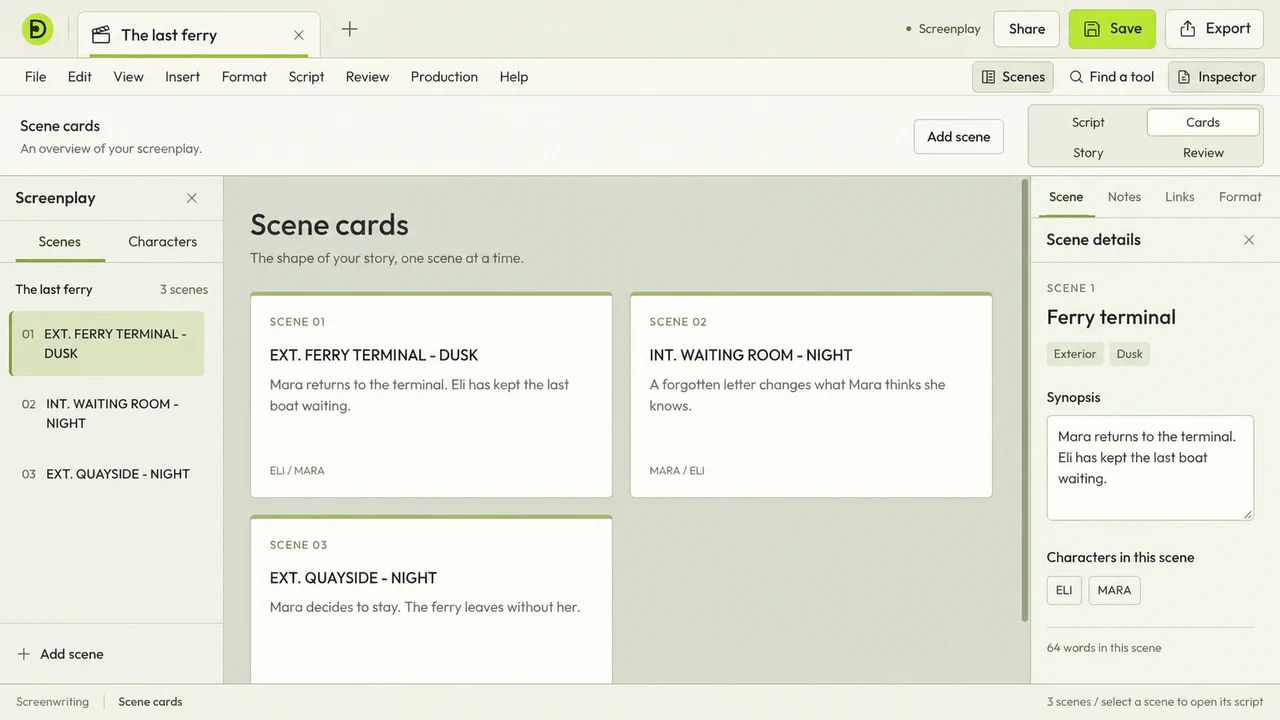
Write the scene. Step back to see the whole story.
Built into Documni
Documni’s own neural network reads text, understands document structure and reconstructs content you can edit.
Included in Documni Pro. No separate usage charge.
Connect your own agent when you want help. It works with Documni’s engine and document tools to make targeted changes.
No separate Documni charge for using your own agent. When you ask it for help, the content it works on goes to your provider, under that provider’s terms, privacy policy and charges.
How the engine and your agent workCapture on your phone, edit at your desk and pick up where you left off.
Keep local files, sync across devices and collaborate with comments and shared work.
Mac · Windows · Web · iPhone · Android
Free & Pro
Start with Free for everyday documents. Choose Pro for Documni OCR, making pages editable and advanced editing.
Free
Read a document, fill a form or get a PDF ready to send.
Pro
All available tools in one personal plan.
Both plans sync your cloud documents between iOS, Android, Mac, Windows and the web. Cloud storage is separate from local document storage. Reaching the cloud limit won’t lock your local documents or tools. Free includes ads; Pro is ad-free.
For organisations
Business brings shared workflows and administration to your team. Contact us about your organisation.
Beta opens 25 November 2026
An invitation, with no commitment.
Join the list for the beta release email and an invitation to try Documni. Testing is your choice. Staying on the free tier is too.
Free to join. No payment details. No obligation to buy.
Beta testers get full access to the beta app. We’ll share access details with the invitation.
Joining the list is free and doesn’t commit you to anything. Documni Free stays free. Pro pricing, and any offer for early members, will be confirmed before you buy. If you joined under an earlier offer, we’ll confirm your terms before you buy.
Already on the list? Your existing signup stays in place. Contact us to change your email preferences.
We save your email, category, consent choices, offer terms, signup language and page path. Marketing emails are optional. You can withdraw consent or ask us to delete your details at any time. Website privacy.
Your invitation includes full access to the beta. Explore Documni with your own documents, then choose Free or Pro for the work you do. Access details arrive with your invitation.
More about the beta